Guides
A practical framework for security teams evaluating mobile application security testing tools.
Mobile app security testing tools differ significantly in depth, accuracy, and what they actually find. Static analyzers, dynamic scanners, and hybrid solutions all claim to cover mobile security, but the gaps between them are significant. This guide covers the eleven criteria that matter most when evaluating a platform.
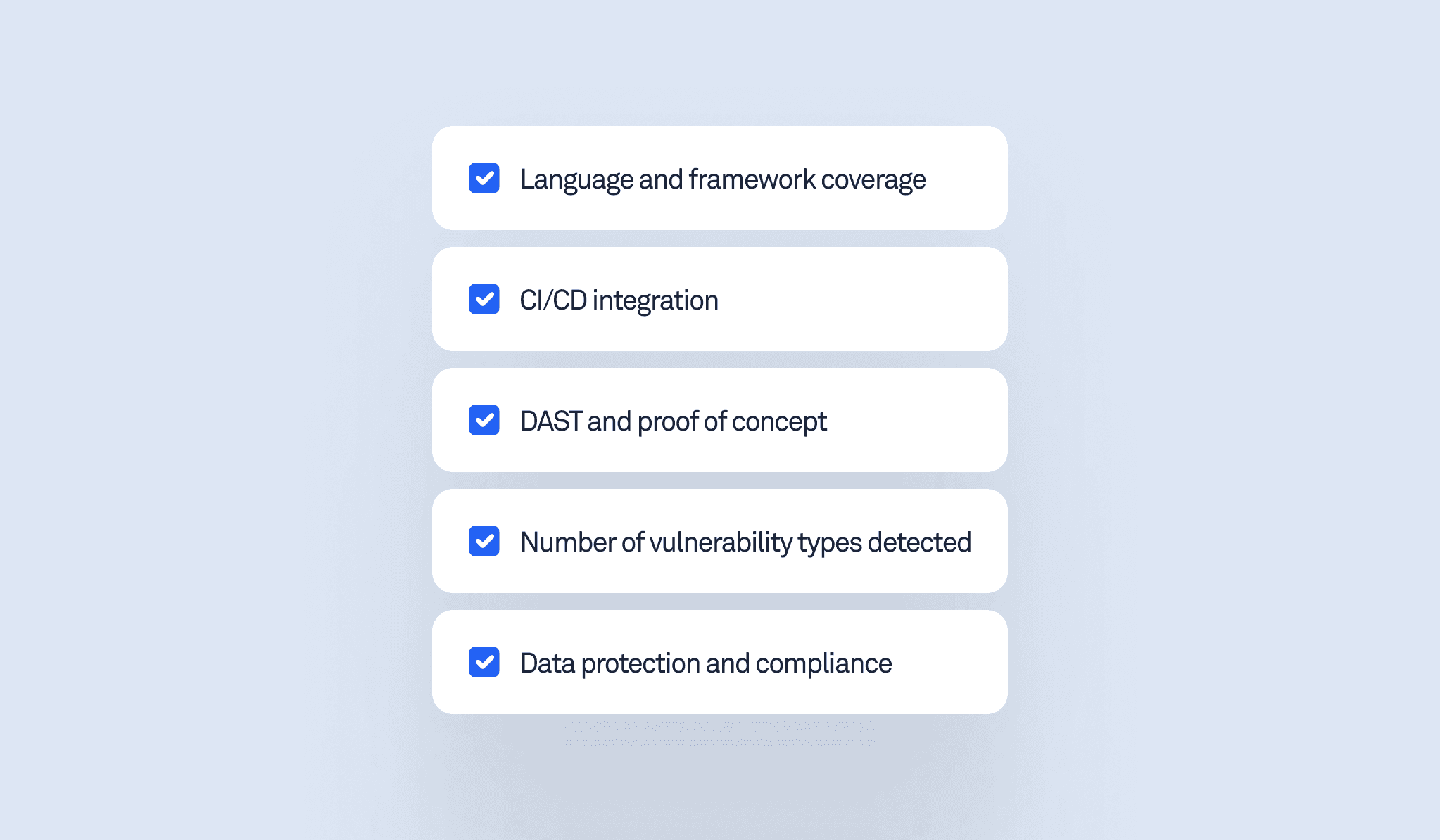
Language and framework coverage
Most scanners handle native Android (Java/Kotlin) and iOS (Swift) well. Cross-platform framework support is where gaps appear.
For Android: APK-only analysis means no source code sharing is required. According to NIST SP 800-163, testing the compiled binary, not the source, is the recommended approach for mobile application vetting, as it reflects what actually runs on user devices.
For React Native and Flutter: check whether the tool analyzes the JS/Dart layer or only native code.
For iOS: many tools on the market rely primarily on source code analysis rather than on analyzing the compiled IPA. This means they require access to the app’s codebase and may miss issues that only appear in the final compiled application.
As of 2026, most commercial tools provide limited support for deep analysis of Flutter and React Native.
CI/CD integration for mobile app security testing
A tool that requires manual setup before every scan will be skipped under release pressure. Security testing only works if it actually runs. Strong tools offer native plugins for Jenkins, GitHub Actions, GitLab CI, and Bitrise, as well as a public API for custom pipelines.
Ask: how long does initial CI/CD integration take?
Ask: can scan results block builds or automatically create Jira tickets?
Depth of SAST analysis in mobile security testing
Basic tools use pattern matching and grep - fast, but they miss anything involving data flow. The differentiator is taint analysis: tracking how data moves from source to sink across components, libraries, and system APIs. This is the only reliable way to find intent redirection, insecure data handling, and access control vulnerabilities, the same vulnerability classes documented in Android's official security risk guidelines.
Ask: does the tool use taint/dataflow analysis, or primarily pattern matching?
Ask: how many vulnerability categories does it cover for Android and iOS separately?
For reference, open-source tools typically cover 20–25% of known mobile vulnerability types. Leading commercial tools reach 180+ categories for Android and 80+ for iOS - see OWASP MASTG for the full taxonomy of what comprehensive mobile testing should cover.
DAST and proof of concept
Dynamic Application Security Testing (DAST) runs the app and observes behavior at runtime, catching vulnerabilities that static analysis cannot particularly those that only appear when the app is actually executing. The critical differentiator is proof-of-concept generation - a tool that shows you the working exploit eliminates validation overhead.
Ask: does the tool generate an automatic proof-of-concept?
Ask: does DAST require a complex setup or a real device?
Ask: what does a finding include? Look for: screen recordings, stack traces, and exploits.
Authenticated testing (login flow coverage)
For banking and fintech apps, the functionality that matters lives behind a login screen. Without automated login, a scanner covers only 10–20% of a typical banking app’s attack surface.
Ask: can the tool automatically navigate login flows with minimal per-app configuration?
Ask: does it handle OTP/2FA and biometric prompts?
As of early 2026, automated authenticated DAST is a gap across most vendors. Check whether it’s on the near-term roadmap.
Number of vulnerability types detected
Ask vendors for a specific count of vulnerability categories by platform. Vague answers about “comprehensive coverage” are not useful. Open-source tools like MobSF typically cover 20–25%, while leading commercial tools cover 180+ Android and 80+ iOS categories.
Ease of use for security teams and developers
A finding that requires a senior AppSec engineer to explain before a developer can act on it is a finding that gets delayed. Security tools that only security engineers can interpret create bottlenecks and slow down the fix cycle across the entire team. Another common gap: tools that report a vulnerability without explaining its business impact or how an attacker could actually exploit it. Without that context, it's hard to justify prioritization, whether you're talking to a developer, a Head of Security, or a CISO. Look for developer-readable reports and fix recommendations, not just vulnerability descriptions.
Ask: what does a scan report look like? Can a developer understand it without a security background?
Ask: does the report explain the business impact and how an attacker could exploit the finding?
Ask: are context-aware or AI-assisted fix recommendations available or on the roadmap? Look for a non-generic explanation that matches the specific finding.
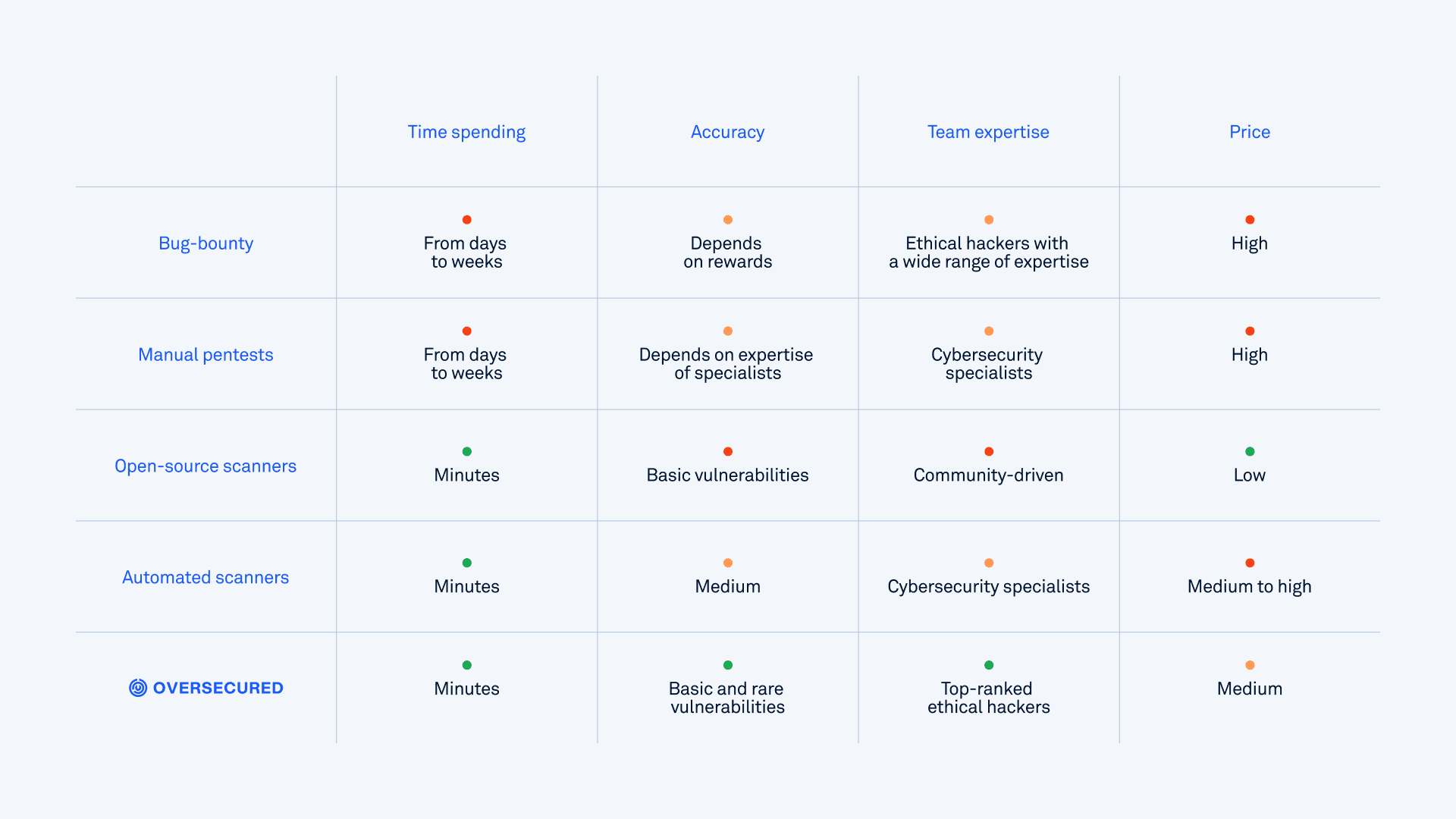
False positive rate: a critical factor in mobile app security testing
False positives are the silent killer of security programs. For DAST, proof-of-concept generation is the mechanism that enables 0% false positives - if the tool cannot demonstrate the exploit, it does not report the finding.
Ask: what is your false positive rate for SAST?
Data protection and compliance
Mobile security tools scan sensitive application code and may process app binaries that contain proprietary logic. Ask where scan data is stored and for how long. For regulated industries, the tool should help your organization meet compliance requirements under HIPAA, GDPR, and DORA by identifying the mobile vulnerabilities that put you at risk of non-compliance. The OWASP MASVS provides the industry-standard control framework against which coverage should be measured.
Ask: is on-premise deployment available?
Ask: how does the tool support compliance with HIPAA, GDPR, or DORA requirements?
Enterprise support: Slack, SSO
A scanner that does not integrate with existing workflows will be worked around rather than adopted.
Ask: which Slack and messaging integrations are available for scan notifications?
Ask: which SSO providers are supported?
Expertise of the team behind the solution
The detection quality of a scanner is directly tied to the research expertise behind its rules. Mobile security is a narrow field - a team that has found real vulnerabilities in production apps at scale builds meaningfully different detection rules than one that has not. Evaluate the team’s track record: published CVEs, bug bounty rankings, and disclosed research in major applications - for example, vulnerabilities discovered in Samsung's built-in apps or critical findings in TikTok signal a team that works with real production code at scale.
Ask: how many CVEs has the team discovered?
Ask: which major apps or vendors has the team disclosed findings to?
Mobile app security testing platform: summary checklist
When evaluating any mobile AppSec platform, request answers to these questions in writing:
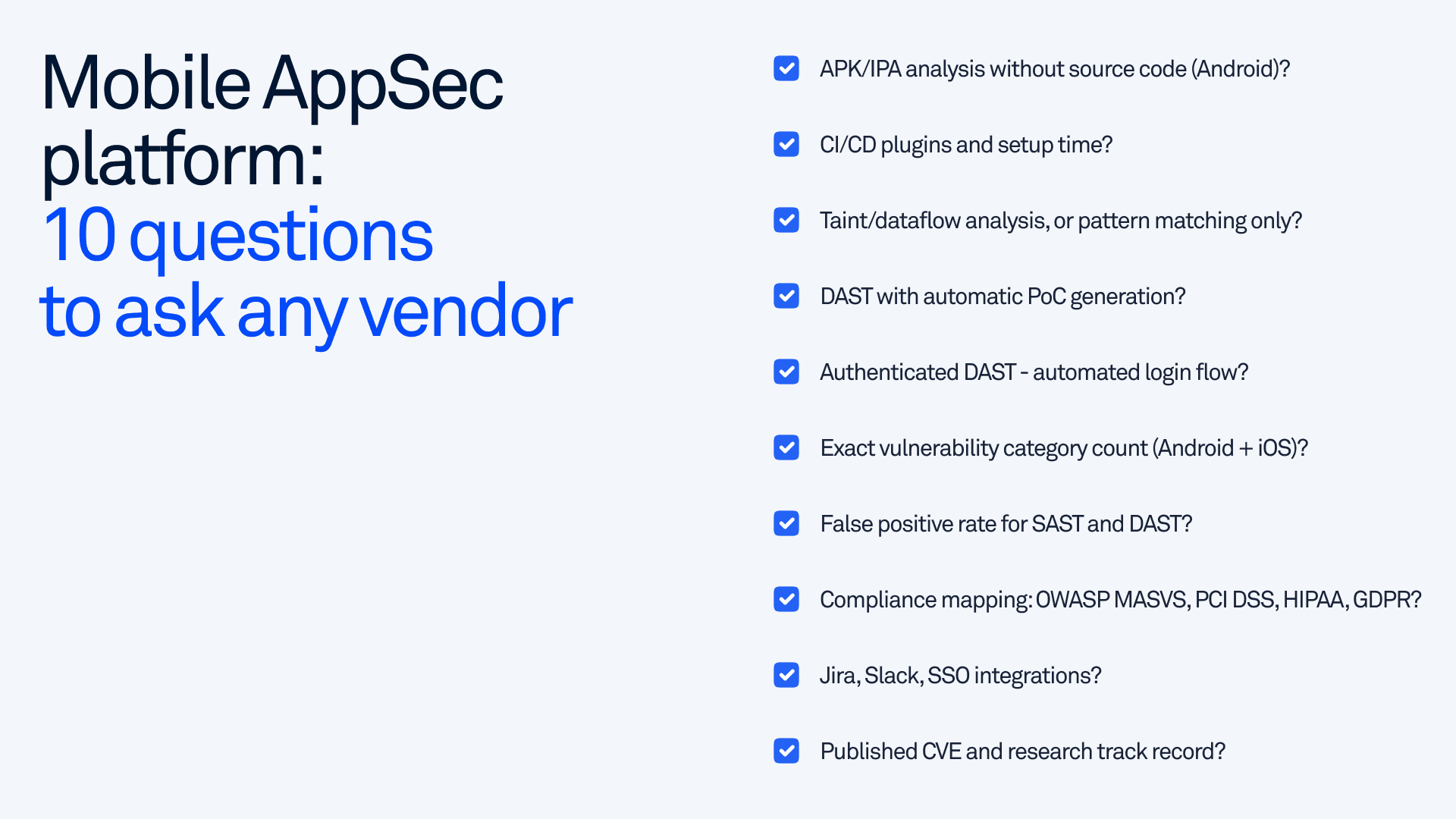
CI/CD plugins available, and setup time?
APK/IPA analysis without source code (Android)?
Taint/dataflow analysis, or pattern matching only?
DAST with automatic PoC generation?
Authenticated DAST - automated login flow navigation?
Exact vulnerability category count (Android and iOS)?
False positive rate for SAST and DAST?
Compliance mapping: OWASP MASVS, PCI DSS, HIPAA, GDPR?
Jira, Slack, SSO integrations?
Published CVE and research track record?
The right mobile app security testing platform is the one your team will actually use. Depth of analysis matters, but only if the findings are actionable, the integrations work, and the false-positive rate is low enough that engineers trust the output.
Oversecured was built to address these gaps, informed by firsthand research into vulnerabilities across thousands of production apps. If you want to see how it performs against these criteria, book a demo with Oversecured and run a free scan on your app.